Now playing
Identify playback through supported Windows media sessions or Android notification/media access.
WINDOWS + ANDROID · DEVELOPMENT PREVIEWS
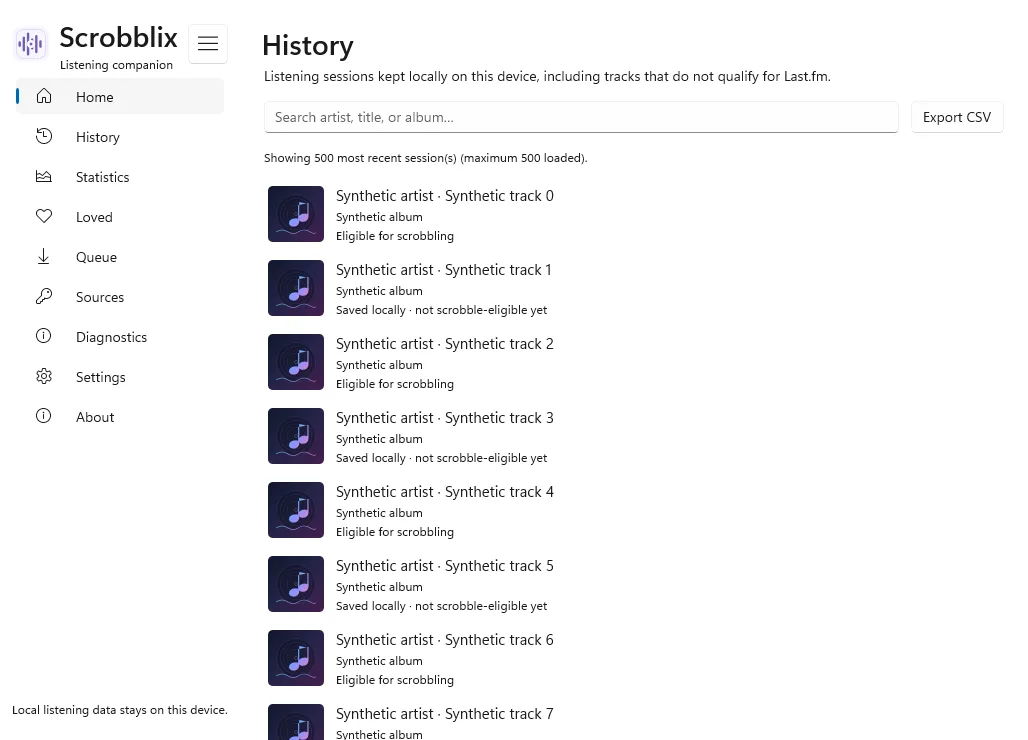
Scrobblix keeps a local listening history and tracks Last.fm scrobbling outcomes. See what is playing, what you have heard, and why a track did or did not scrobble.
Windows and Android are separate preview tracks.
Windows builds are unsigned. These are not stable production releases.
BUILT AROUND YOUR LISTENING
Identify playback through supported Windows media sessions or Android notification/media access.
Keep listening records on your device. Review the platform privacy notices before enabling collection.
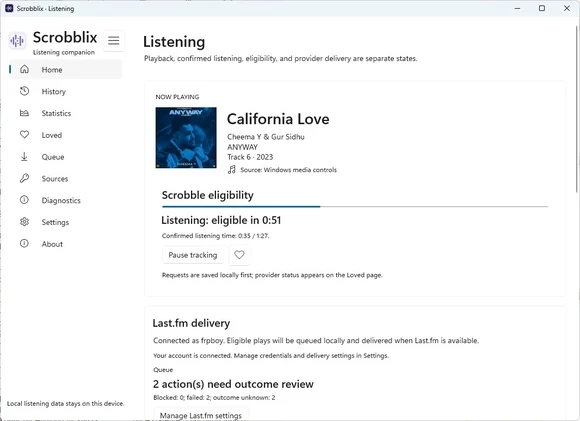
Distinguish a local listen, an eligible queue item and a provider acknowledgement. They are not the same thing.
SCREENSHOTS
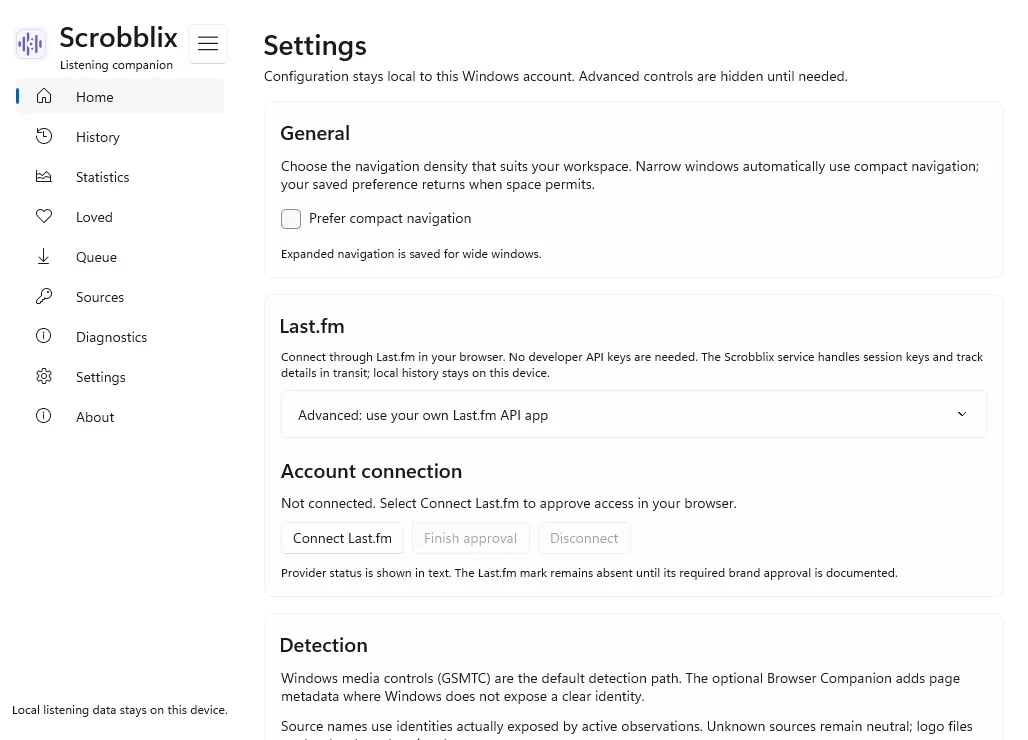
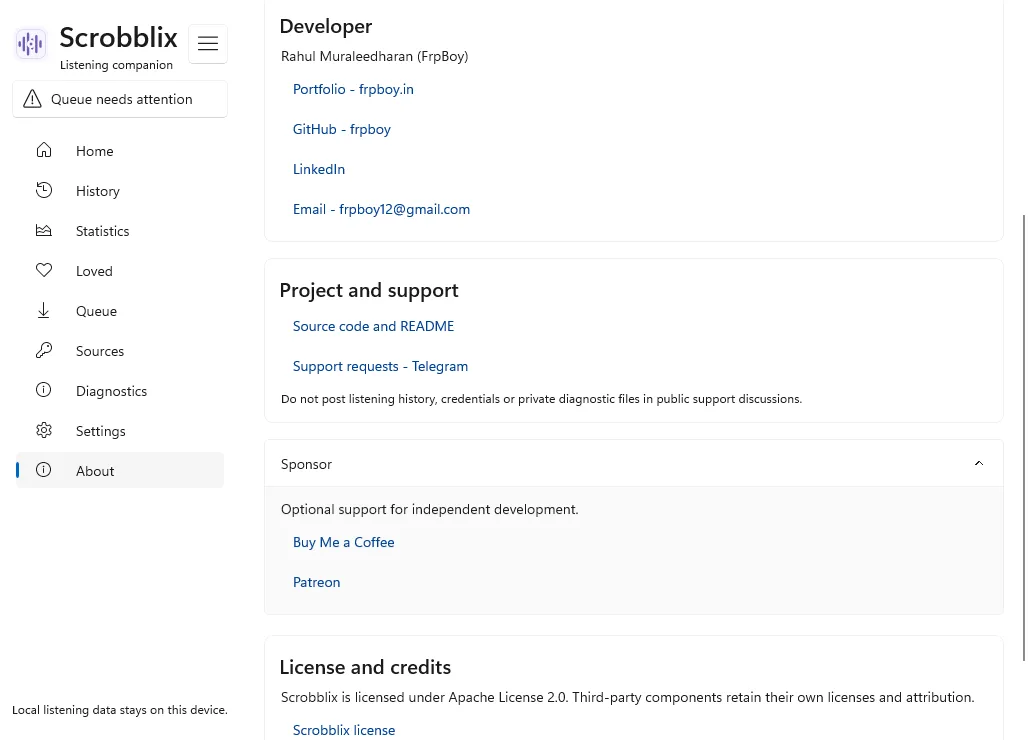
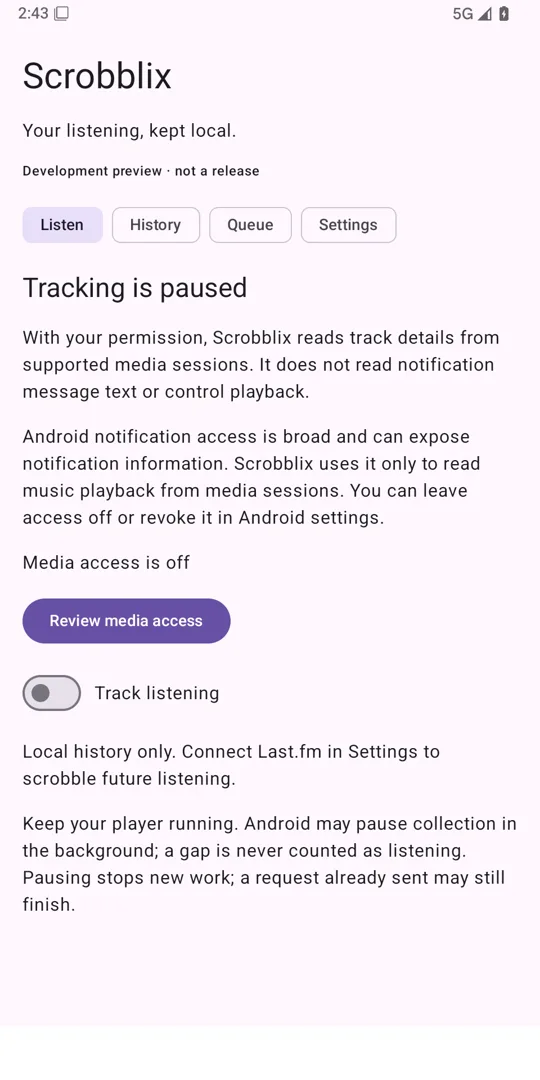
Windows and Android screens from the development builds, using test data.
Swipe or scroll to browse. Tap a screenshot to enlarge.
FAQ
It keeps a local listening history and tracks Last.fm scrobbling outcomes, so you can see what is playing, what you have heard, and why a track did or did not scrobble.
A local listen, an eligible queue item and a provider acknowledgement are three different things, and Scrobblix shows them separately.
Listening records are kept on your device. Read the platform privacy notices before you enable collection.
No. Windows and Android are separate preview tracks, and the Windows builds are unsigned. Never turn off security protections to install a preview.
Use the release notes and downloads link on this page. The release page lists published assets, checksums and setup instructions.
The Scrobblix source is Apache-2.0. Third-party notices and data terms apply.
DOWNLOAD & SUPPORT
Windows and Android previews have different requirements and limitations. Use the release page for published assets, checksums and setup instructions. Never disable security protections to install an unsigned preview.